Google Workspace Email Signature Management
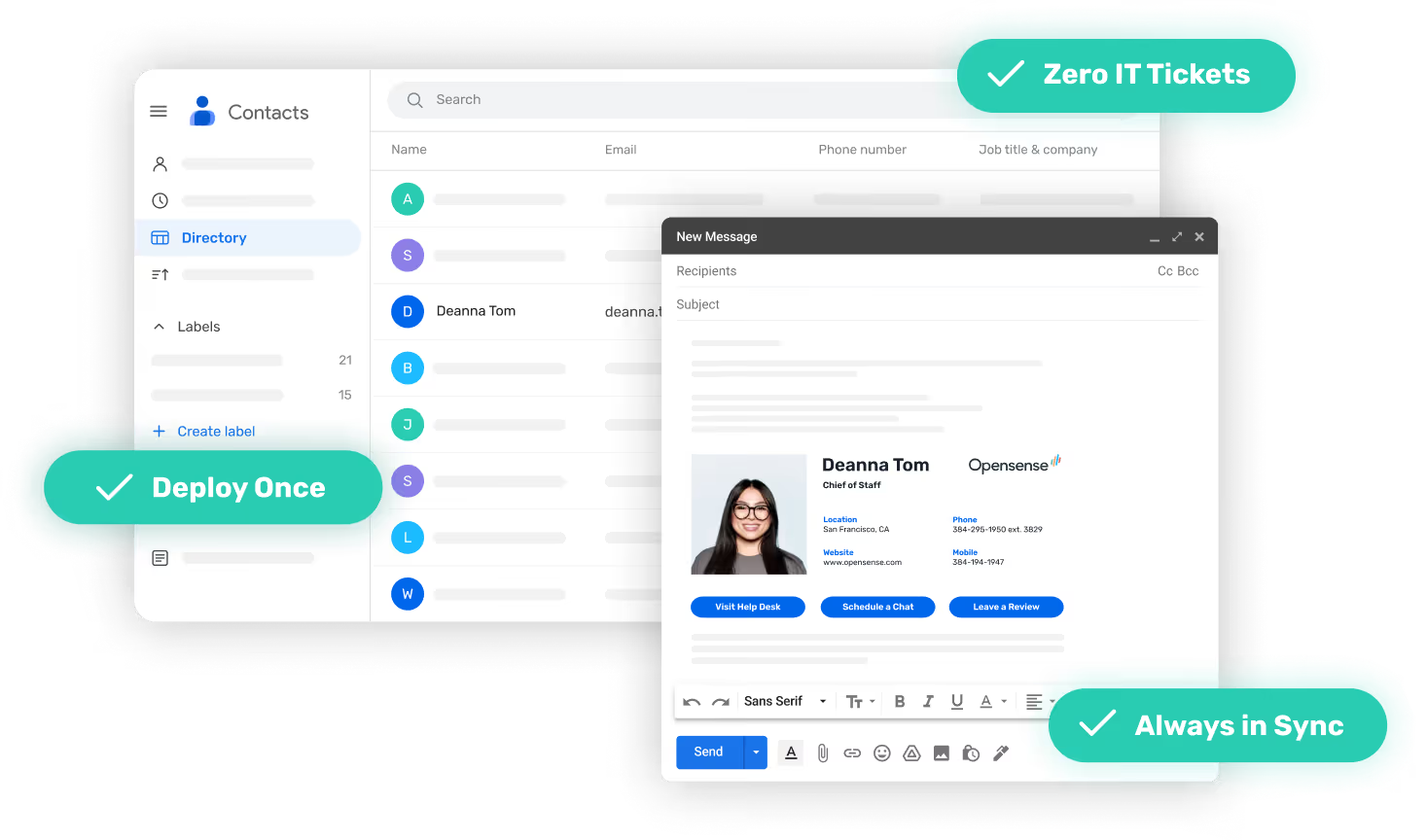
Every Gmail send, on-brand. IT deploys once. Marketing runs campaigns from day one.



.svg)














.svg)
.svg)






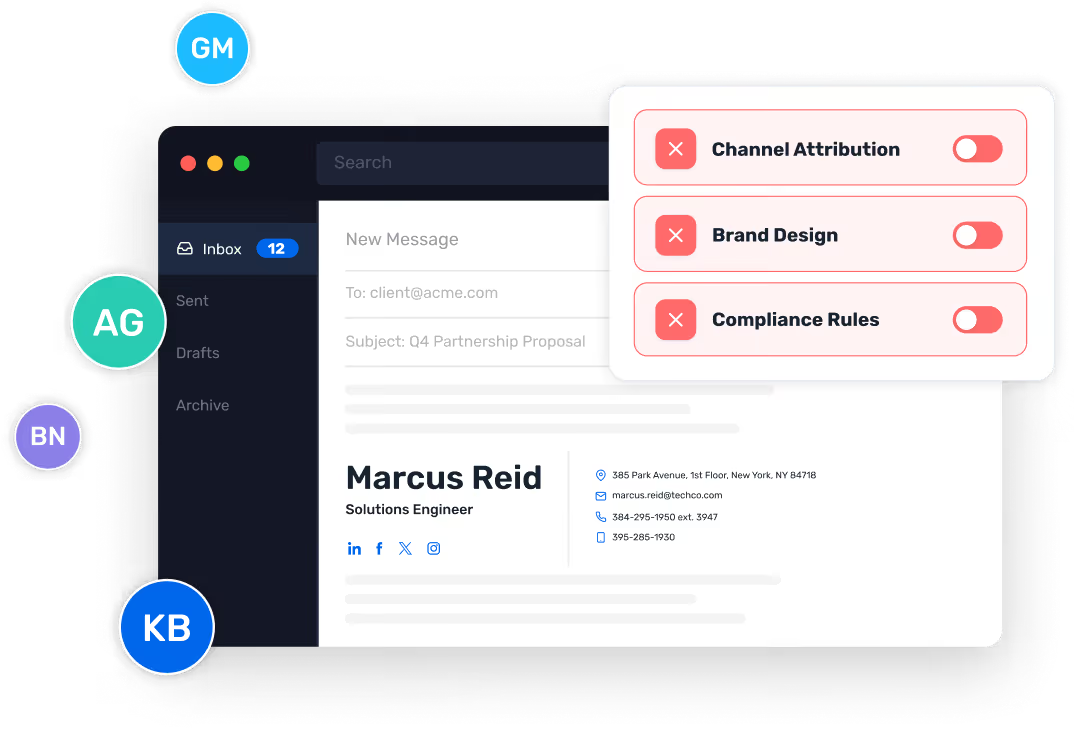
Managing Gmail signatures at scale breaks both teams

- Banner campaigns require IT to re-push signatures to every employee — every single time
- No attribution on the channel your employees already send from
- Brand design lives in a CSV template nobody wants to own
- Manual CSV push for every new hire, title change, or phone number update
- No way to enforce compliance or disclaimers across thousands of daily sends
- Every Marketing request becomes a ticket
Opensense replaces both approaches with a single governed system that IT deploys once and Marketing activates from day one.
How Opensense deploys in Google Workspace
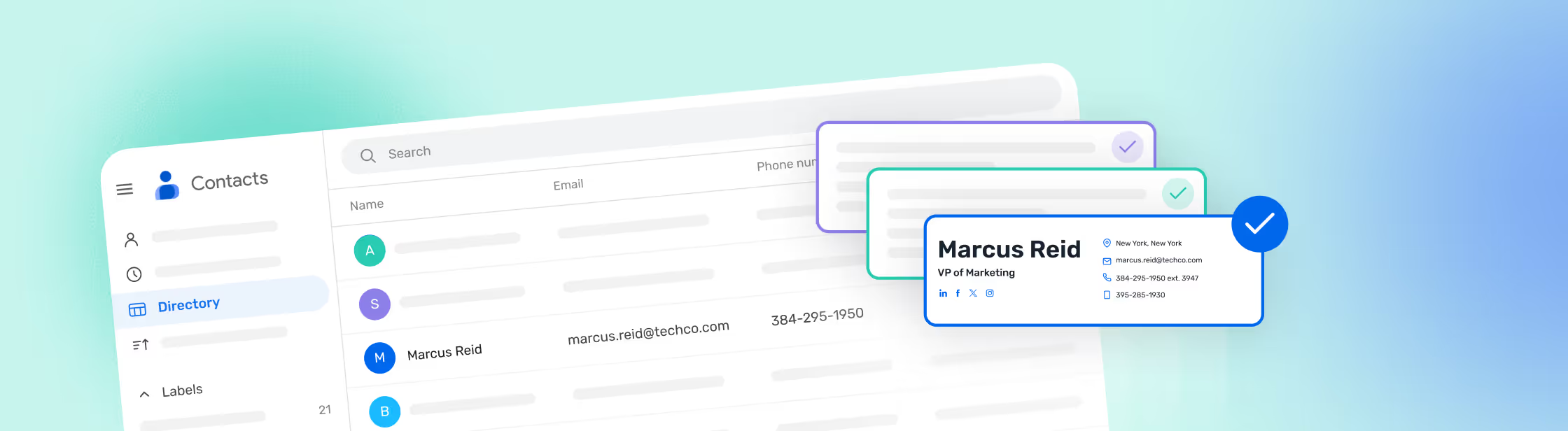
Opensense gives IT two deployment paths for Google Workspace. Both connect to Google Directory. Both are managed from the same admin console. Pick the path that fits how your organization runs.
Google Add-On

Deployed centrally by a Google Workspace Super Admin. Users get signatures automatically, no mail routing required.
Server-side Deployment

Opensense applies signatures through Gmail's native routing after the user sends.
Built for production environments

platform uptime, monitored 24/7

data residency and support

independently audited and certified

G2 support rating
Every employee email becomes a marketing channel
Your employees send thousands of emails a day from their Gmail accounts. Opensense turns that volume into a governed, measurable, on-brand channel.




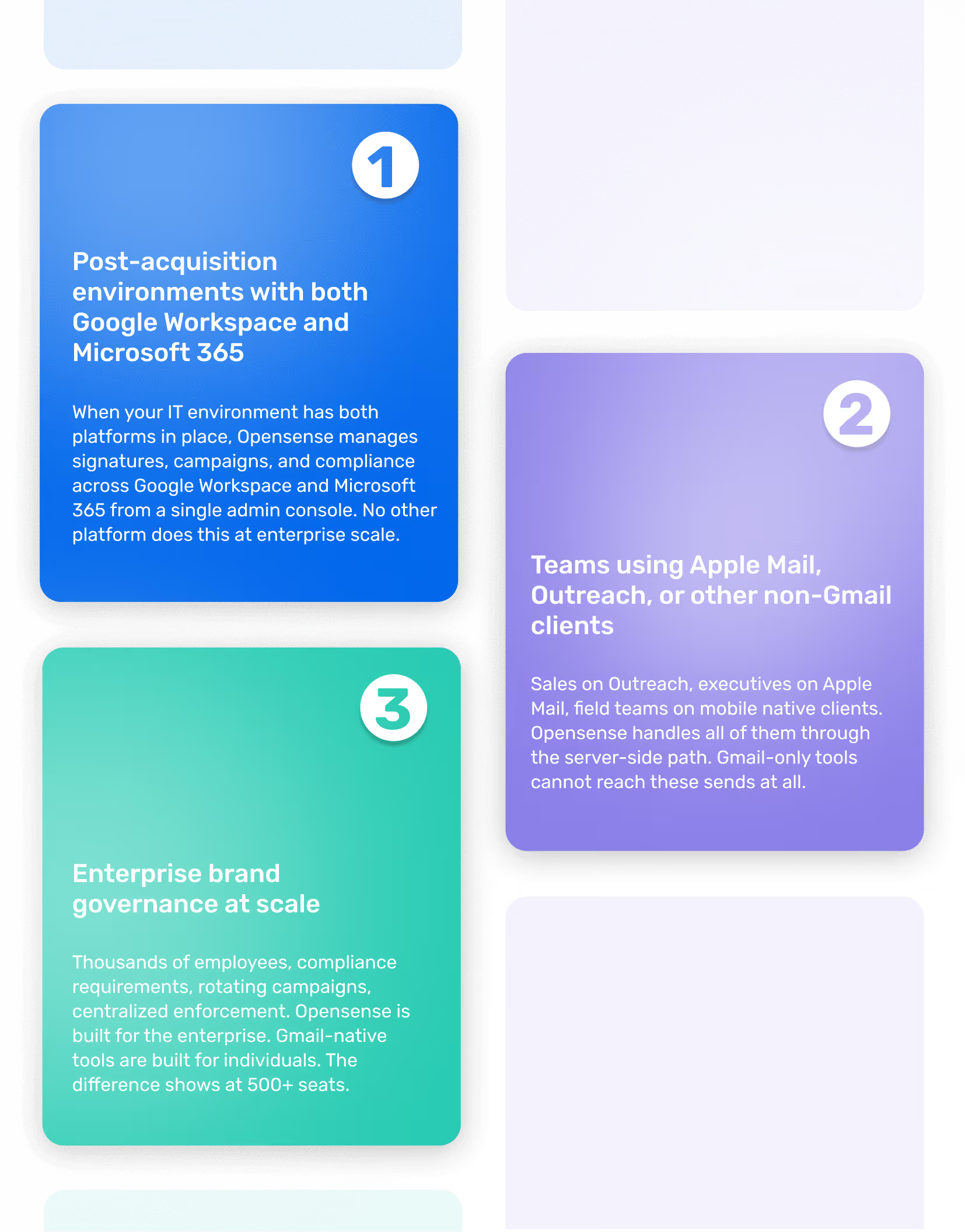
Where Opensense is the only answer
Results from the teams that use it

Email signature banners consistently achieve 4–7% CTR — compared to 0.1%for display advertising.

+10% email response rate after deploying Opensense across our sales team.

17 purchases attributed to a single email signature banner campaign.

Google Workspace email signature management: common questions
Opensense connects to Google Workspace through two deployment paths: a native Google Add-On deployed by a Super Admin, and server-side signature application through Gmail's routing. Both sync with Google Directory. Both are managed from the same admin console.
Opensense supports Google Workspace with and without mail routing. The Google Add-On deploys without routing. The server-side path uses Gmail's native routing to enable recipient-level analytics, per-recipient banner targeting, and compliance logic. IT picks the path that fits the environment.
Opensense deploys into Google Workspace in under an hour for the Add-On path. A dedicated Implementation Engineer runs the setup with your IT team. Server-side deployment takes longer depending on the complexity of routing rules and organizational units in scope.
Opensense manages both environments from a single admin console. Organizations running Google Workspace and Microsoft 365 in parallel — often after an acquisition or as part of a multi-brand structure — use one Opensense tenant to govern signatures, banners, and compliance across every employee.
Opensense syncs with Google Directory. When a new employee is added to the directory, their signature provisions automatically based on the rules IT has set. No CSV upload, no manual push, no admin intervention per hire.
Opensense separates IT governance from Marketing campaign management. IT sets the deployment rules once. Marketing then builds, rotates, and launches campaigns directly from the dashboard. Average banner CTR: 4–7%.
Opensense connects to HubSpot, Salesforce, and Marketo. Campaigns trigger based on deal stage, lifecycle status, contact segment, or any CRM attribute. Attribution flows back to the CRM automatically.
Opensense is SOC 2 Type II certified and supports compliance requirements including GDPR, CASL, CAN-SPAM, and FINRA. InboxHQ automates legal disclaimer enforcement at the send, applied by jurisdiction, role, or communication type.
Opensense handles non-Gmail clients through the server-side deployment path. Sales teams on Outreach, executives on Apple Mail, and field teams on mobile native clients all get consistent, governed signatures regardless of which client they send from.
Opensense is an enterprise platform built for IT-controlled deployment, banner campaigns, compliance, and dual-environment management across Google Workspace and Microsoft 365. WiseStamp is a self-serve tool built for individual Gmail users. For organizations that need enterprise governance, Opensense is the option.