


Email Signature Generator
Create your free email signature with our easy-to-use email signature generator. No coding needed. Fast, customizable, and brand-ready. Our complete email signature guide lists the eight components a professional signature carries.
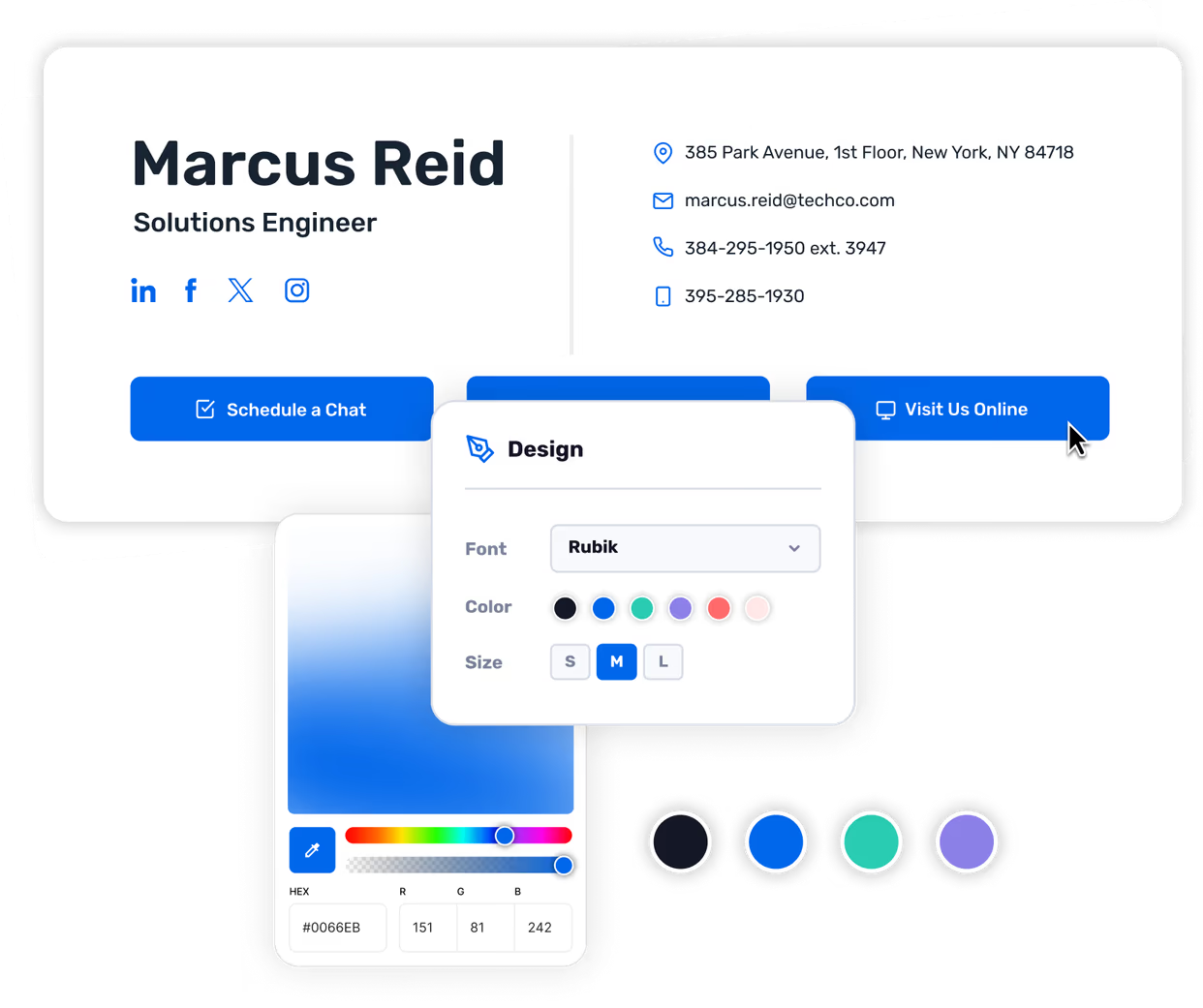
Email Signature Template Generator
Use our no-code designer to create your FREE email signature
Start with your work email
Type it in above. We'll pull in your logo, colors and details, then you pick a template.
- Brand
- Template
Researching
- Finding your logo
- Pulling your brand colors
- Matching your fonts
Your brand
We found these on . Pick what your signature should use.
Logo
Colors
Choose a template
Each one uses your details and brand, with samples where we found nothing. Pick one to start from.
Look at my new Opensense email signature
Get your email signature
Enter your details to download your custom email signature.
Your email signature is ready
Choose how you'd like to use your signature below.
Paste it straight into Gmail, Outlook or Apple Mail. The steps are below.
Install it
- Copy your signature:
- In Gmail, click the Settings gear, then See all settings.
- On the General tab, scroll to Signature and click Create new.
- Name it, then paste your signature into the box: Ctrl+V or Cmd+V.
- Under Signature defaults, choose it for new emails and replies.
- Scroll to the bottom and click Save Changes.
- Copy your signature:
- In Outlook, open Settings, then Accounts, then Signatures.
- Click New signature and give it a name.
- Paste your signature into the editor: Ctrl+V or Cmd+V.
- Choose it for new messages and replies, then click Save.
- Copy your signature:
- On Windows (classic Outlook), go to File, Options, Mail, then Signatures. On a Mac, go to Outlook, Settings, then Signatures.
- Click New (+ on a Mac) and name your signature.
- Paste your signature into the editor: Ctrl+V or Cmd+V.
- Choose it for new messages and replies, then click OK. On a Mac, close the window to save.



Add-ons sit under your signature. Switch one on to set it up.
Banners at 580 × 150 pixels render correctly in Outlook, Gmail and Apple Mail. Make one with our free banner generator
Frequently asked questions
Is the email signature generator really free?
Yes, the Opensense email signature generator is completely free to use. You can design and create professional email signatures without any cost or credit card required. Create unlimited signatures for personal or business use.
Do I need coding skills to use the signature generator?
No coding skills required. The email signature generator features an easy-to-use, no-code visual designer. Simply fill in your information, customize the design, and your professional signature is ready in minutes.
What email clients are supported?
Email signatures created with our generator work with all major email clients including Gmail, Outlook (desktop and web), Apple Mail, Yahoo Mail, Microsoft 365, Google Workspace, and any email client that supports HTML signatures.
Can I include my company logo and branding?
Yes, you can upload your company logo and customize colors, fonts, and layout to match your brand guidelines. The generator allows full customization to create on-brand, professional email signatures.
How long does it take to create a signature?
Most users create a professional email signature in under 5 minutes. The intuitive designer makes it fast to add your information, customize the design, and export your signature ready for use.
What's the difference between the free generator and Opensense platform?
The free generator is perfect for individuals creating their own signature. The Opensense platform is designed for organizations needing centralized management, automatic deployment, marketing campaigns, analytics, and compliance features for all employees. The platform starts at $1/user/month.