Email Signature Management for Microsoft 365 and Exchange Online
Deploy via M365 Integrated App in 15 minutes. No Transport Rules. No mail routing changes. No DNS updates.




.svg)














.svg)
.svg)






The problem with native Microsoft 365 signature options

- Requires mail routing changes and SPF record updates
- IT owns every creative change — Marketing cannot touch it without a ticket
- Unreliable on Outlook mobile and OWA reply threads
- Each employee manages their own — no consistency, no compliance enforcement
- No brand control — every person has a different format, logo version, and contact details
- No marketing capability — no banners, no campaigns, no analytics
Opensense replaces both approaches with a single governed system that IT deploys once and Marketing activates from day one.

How Opensense works with Microsoft 365

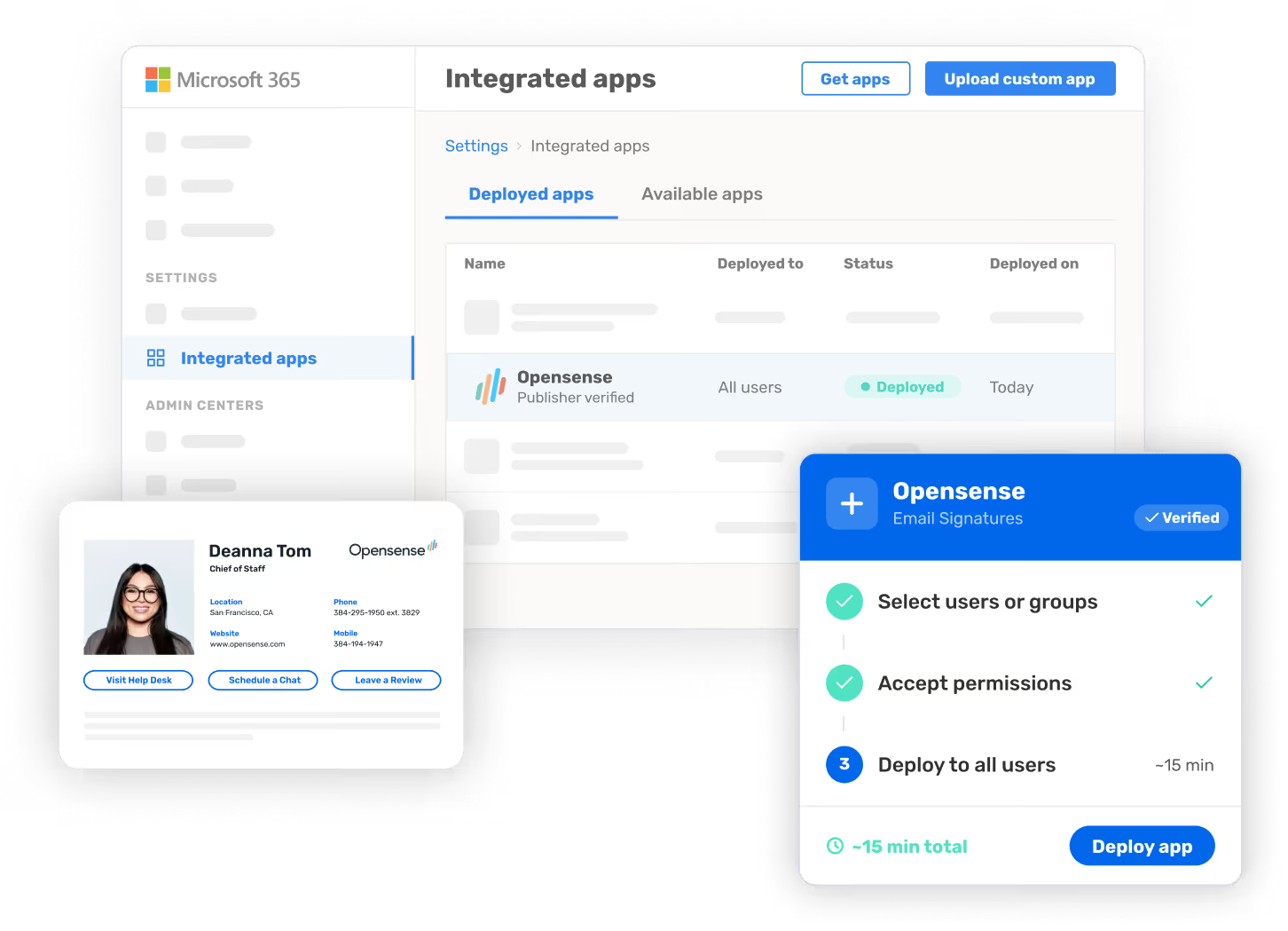
Opensense deploys as a Microsoft 365 Integrated App — the same mechanism used for Microsoft's own first-party apps. IT pushes a single admin manifest. No mail routing changes. No DNS modifications. No SPF record updates. Deployment takes approximately 15 minutes.
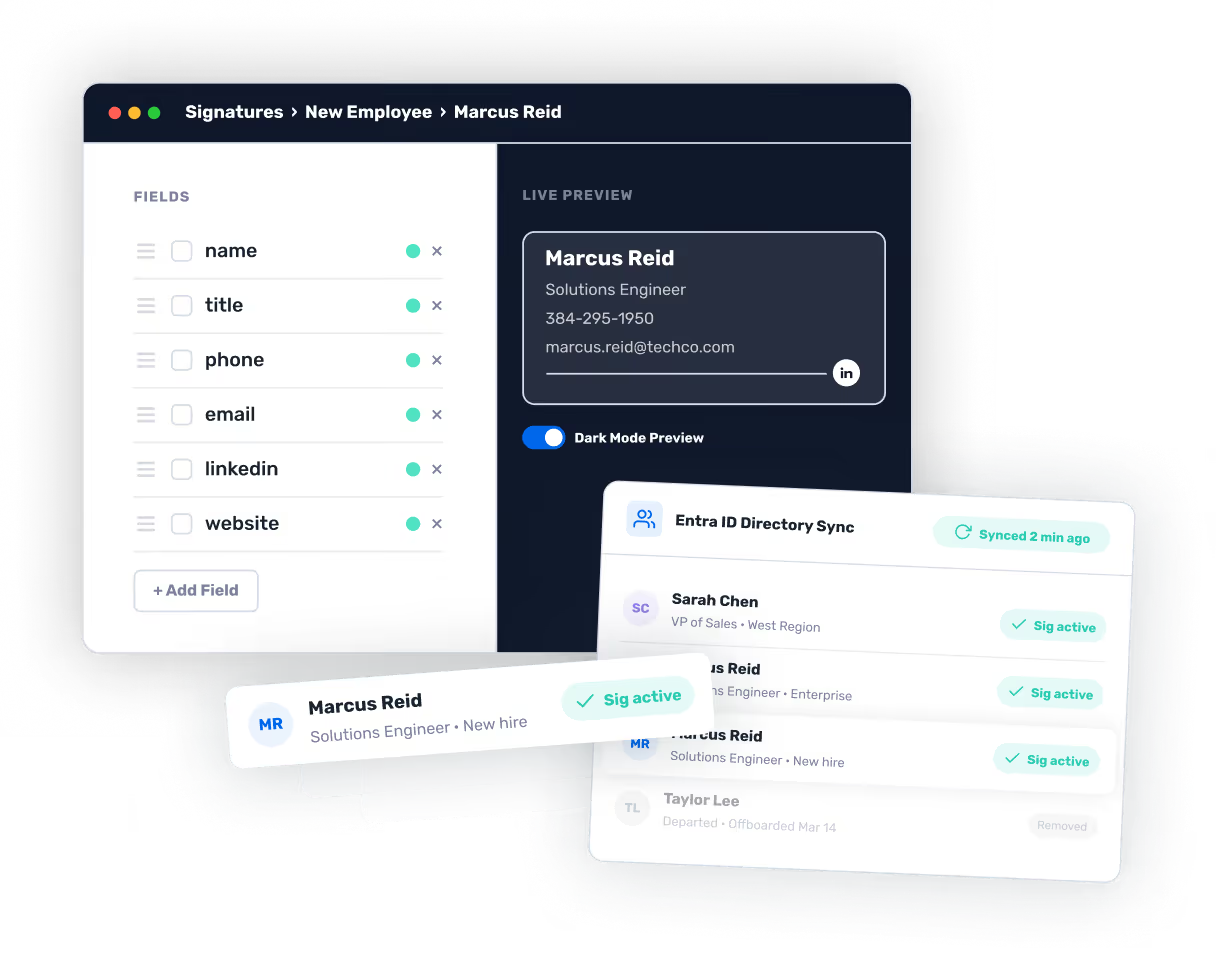

Opensense syncs with your Microsoft Entra ID (Azure AD) tenant and pulls employee data automatically: name, title, department, phone, photo, and any custom attributes. New hires get their signature on day one. Departures and role changes update without manual intervention.


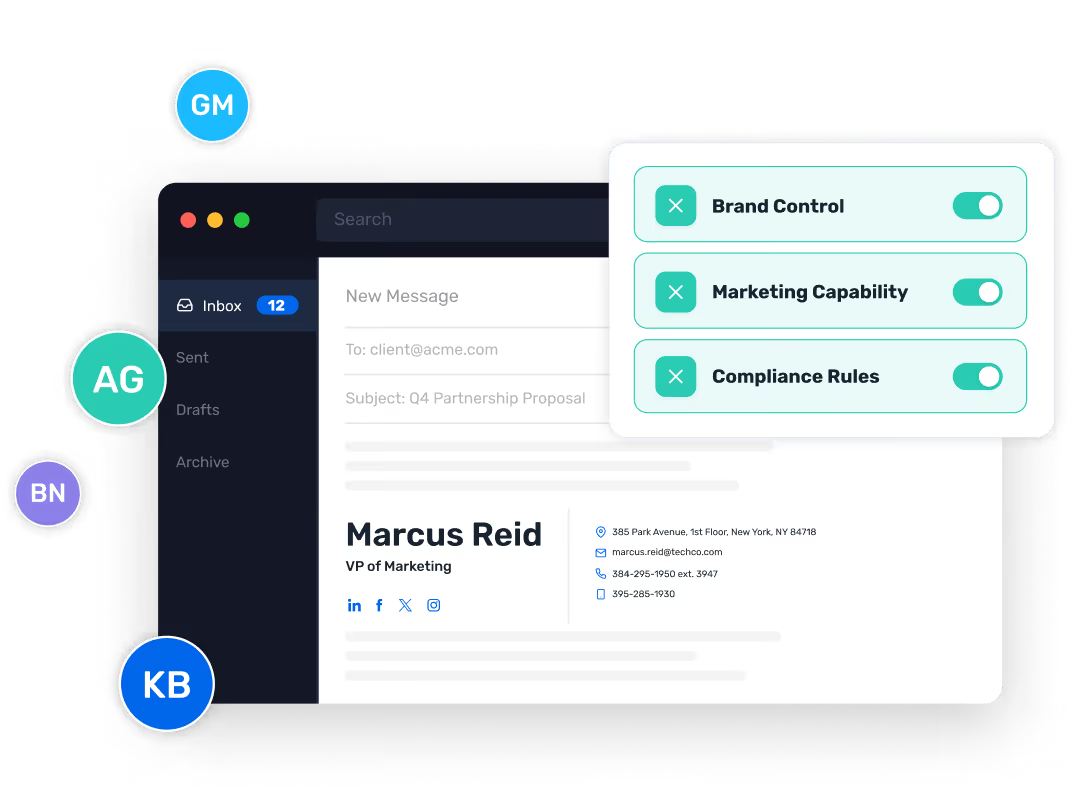
IT sets signature rules by group, OU, or custom attribute.Marketing builds banner campaigns in the drag-and-drop editor without IT tickets. Every employee email carries a consistent, branded, compliant signature from that point forward.


Microsoft 365 features

Single admin manifest, no mail routing changes

Automatic employee data population and updates

Assign by M365 group, organizational unit, or custom attribute

Automated user lifecycle management via your identity provider

Okta, OneLogin, Azure AD SSO supported

Full change history for compliance review

Purpose-built for Microsoft 365 GCC High and regulated environments

Annual audit. Security, availability, and confidentiality controls verified.

Outlook desktop, Outlook on the web, Outlook mobile

Employees update approved fields directly in Outlook sidebar, no external portal
Migrating from Exchange Transport Rules
Deploy & configure
Deploy Opensense via M365 Integrated App. Configure signature templates and connect Entra ID sync.

Validate across clients
Validate signature output across Outlook desktop, Outlook on the web (OWA), and Outlook mobile.

Cut over & retire
Disable or archive existing transport rules. Opensense takes over from the M365 app layer — no employee action required.

How Opensense compares for Microsoft 365



The marketing activation layer
Once IT deploys Opensense via the M365 Integrated App, Marketing gets immediate access to the campaign layer. No additional IT configuration required for each campaign.
Build email signature banner campaigns in the drag-and-drop editor. Schedule rotations by date, trigger campaigns based on CRM segment, or target by deal stage. Snowflake consistently achieves 4–7% CTR on signature banners — compared to 0.1% for display advertising.


Frequently asked questions
Yes. Opensense's Outlook add-in deployment does not use transport rules or require mail routing changes. For organizations that need server-side signature application, Opensense also offers a server-side deployment option alongside or instead of the add-in.
Yes. Opensense supports Exchange Online, Exchange hybrid configurations, and can be deployed alongside on-premise Exchange environments. Contact the team for a configuration walkthrough specific to your environment.
Yes. Opensense is available through the Microsoft 365 Integrated App marketplace. IT admins can locate and deploy the manifest directly from the M365 admin portal — no separate installer required.
Yes. Opensense is purpose-built for Microsoft 365 GCC High environments including FedRAMP High, DFARS, ITAR, and CMMC. Note: Exclaimer's own system requirements documentation explicitly lists Microsoft 365 GCC High and DOD as unsupported environments.
Client-side (add-in): Opensense injects the signature in the Outlook compose window before send — email never leaves M365. Server-side: Opensense receives the email after send, applies the signature, and routes it back to M365 for delivery — enabling recipient-level analytics and compliance logic. Opensense offers both deployment paths.
Opensense's Outlook add-in works in Outlook for iOS and Android. For non-Outlook clients such as Apple Mail, Opensense's server-side deployment ensures signatures apply after send regardless of the sending client.
Most migrations complete within a single business day. The Opensense deployment itself takes approximately 15 minutes. Template recreation, directory sync configuration, and testing typically add a few hours depending on the complexity of the existing setup.