Email signature software, explained

Email signature software manages, standardizes, and activates the signatures that appear at the bottom of every email your employees send. Individual tools let each person set their own. Enterprise email signature software gives IT centralized control so every signature is consistent, compliant, and current — without requiring each person to manage their own.

Opensense goes further. On top of governance and standardization, it turns every employee email into a marketing channel through rotating banner campaigns, CRM-triggered creative, and click-through analytics.
What Opensense includes
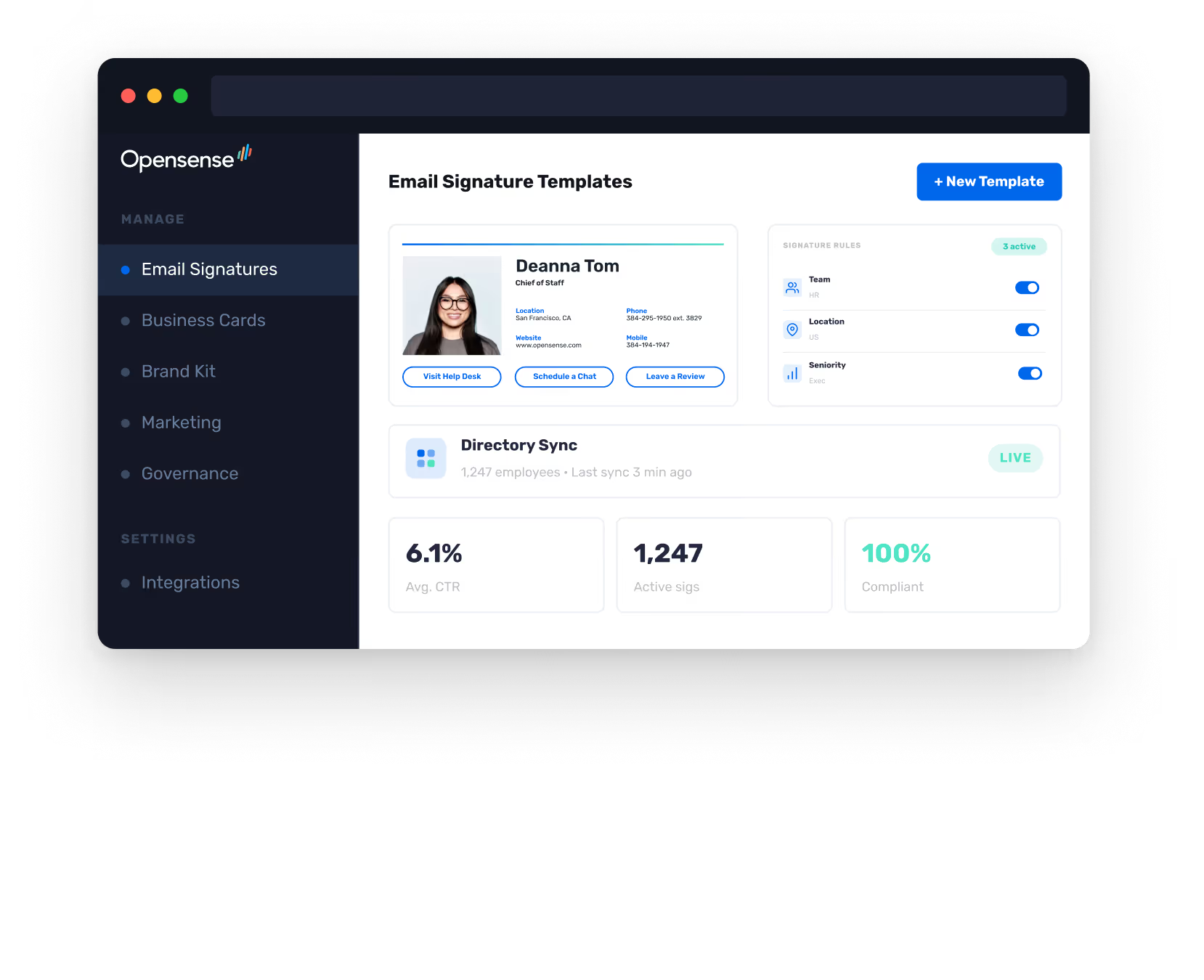
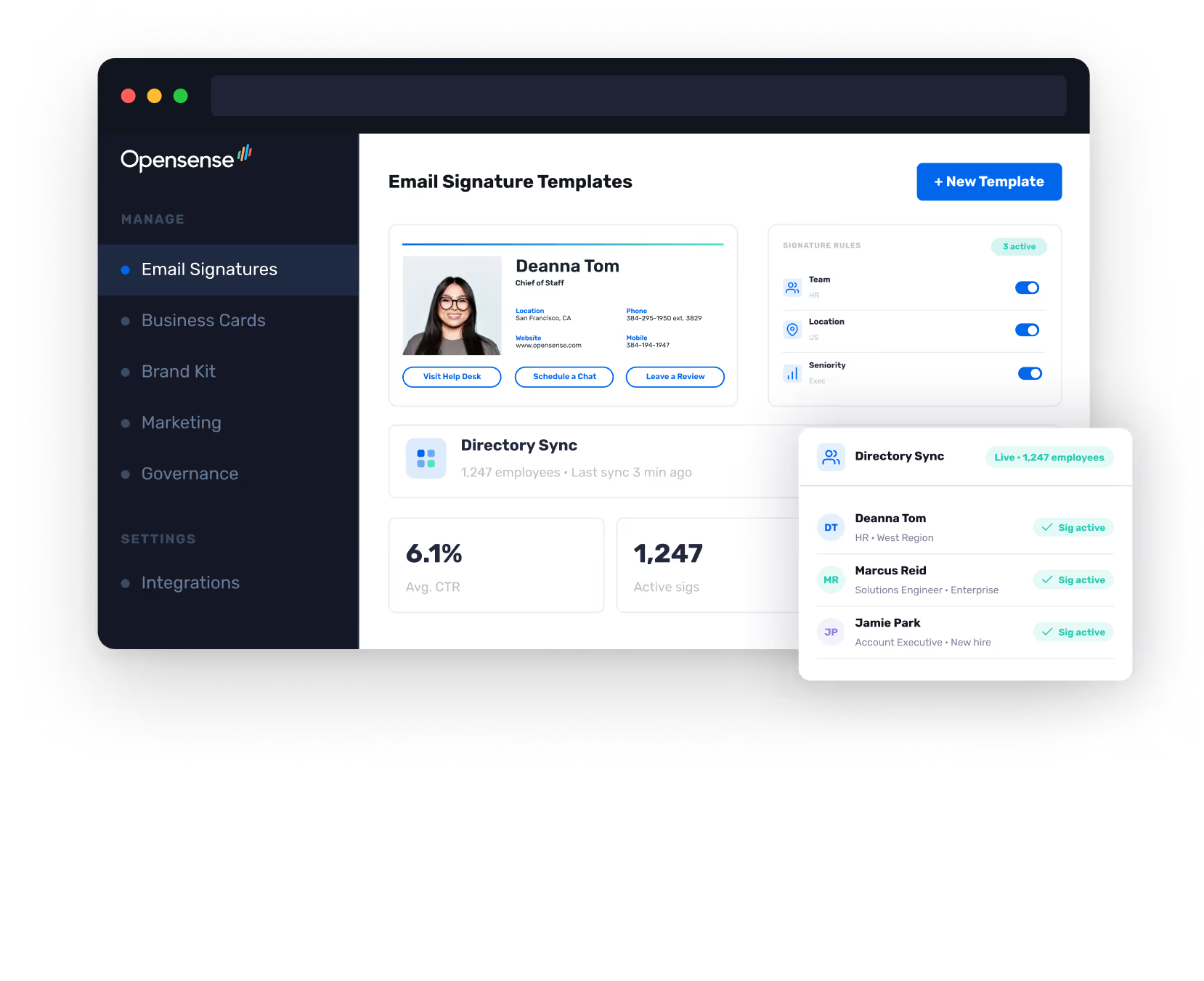
Centralized signature management

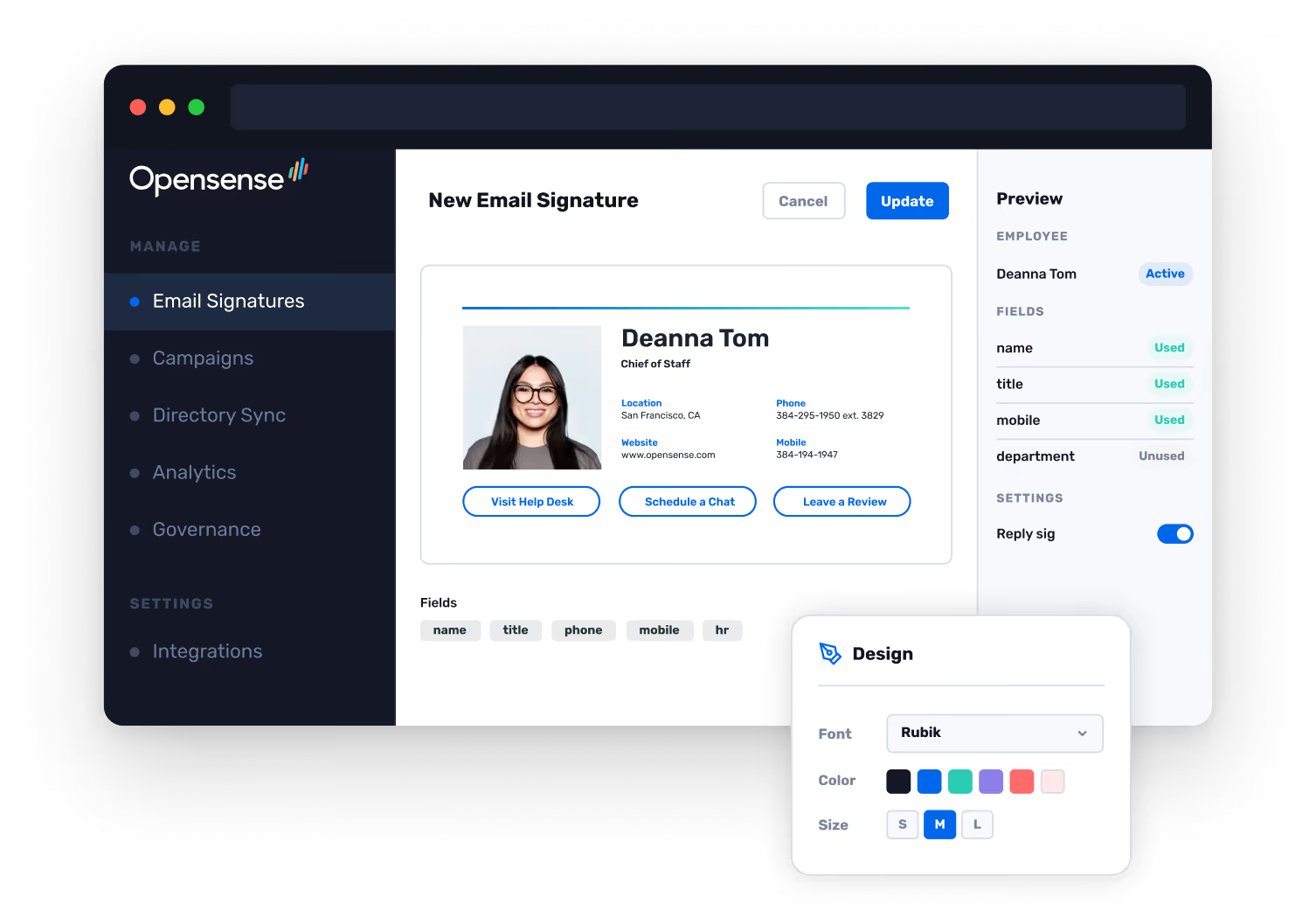
Opensense deploys and manages email signatures for every employee from a single admin dashboard. Set rules by department, location, seniority, or custom attribute. Update globally with one click.

Directory sync

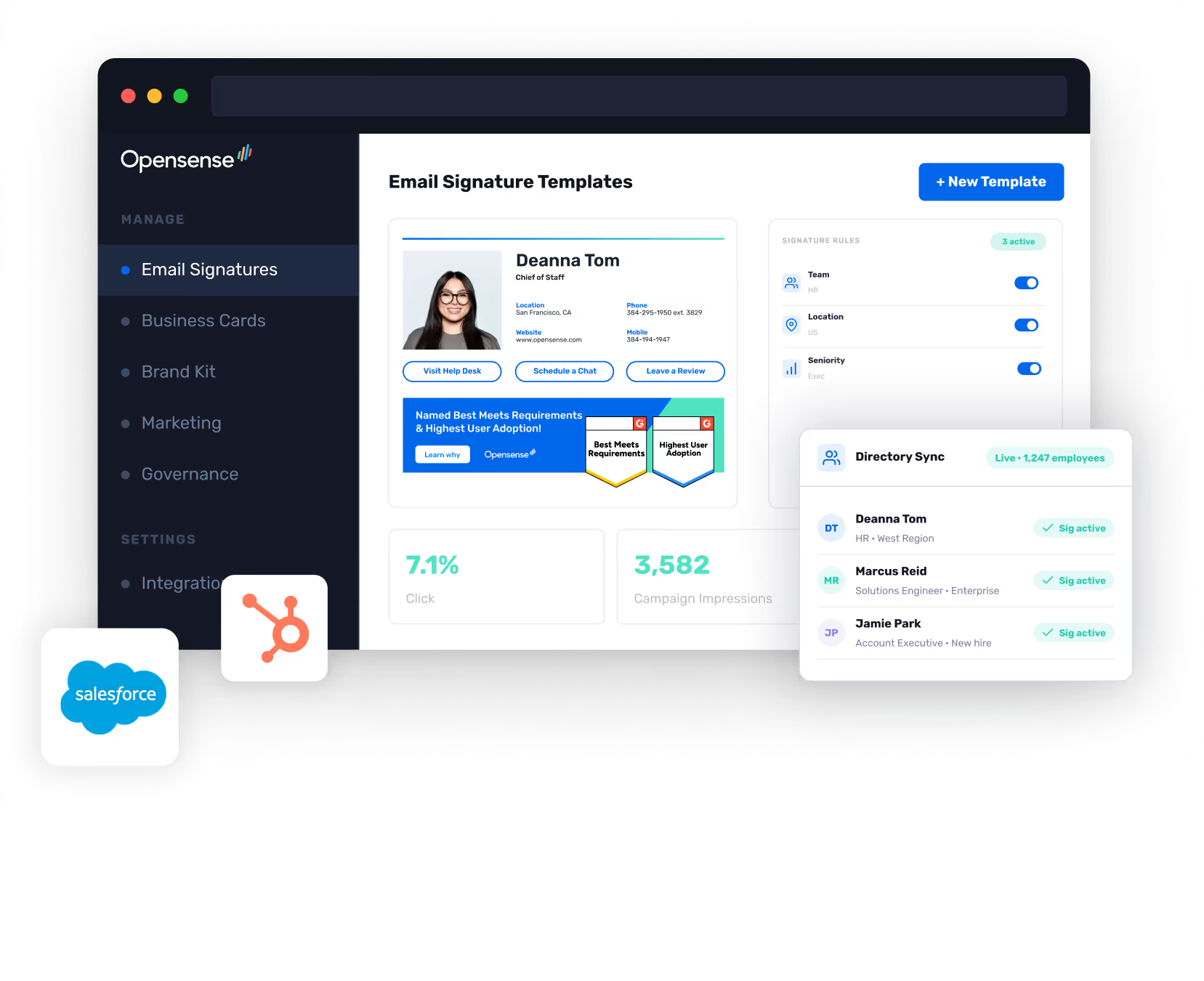
Opensense pulls employee data directly from your identity provider. New hires get a signature on day one. Departures, promotions, and name changes update automatically.

Email signature banner campaigns

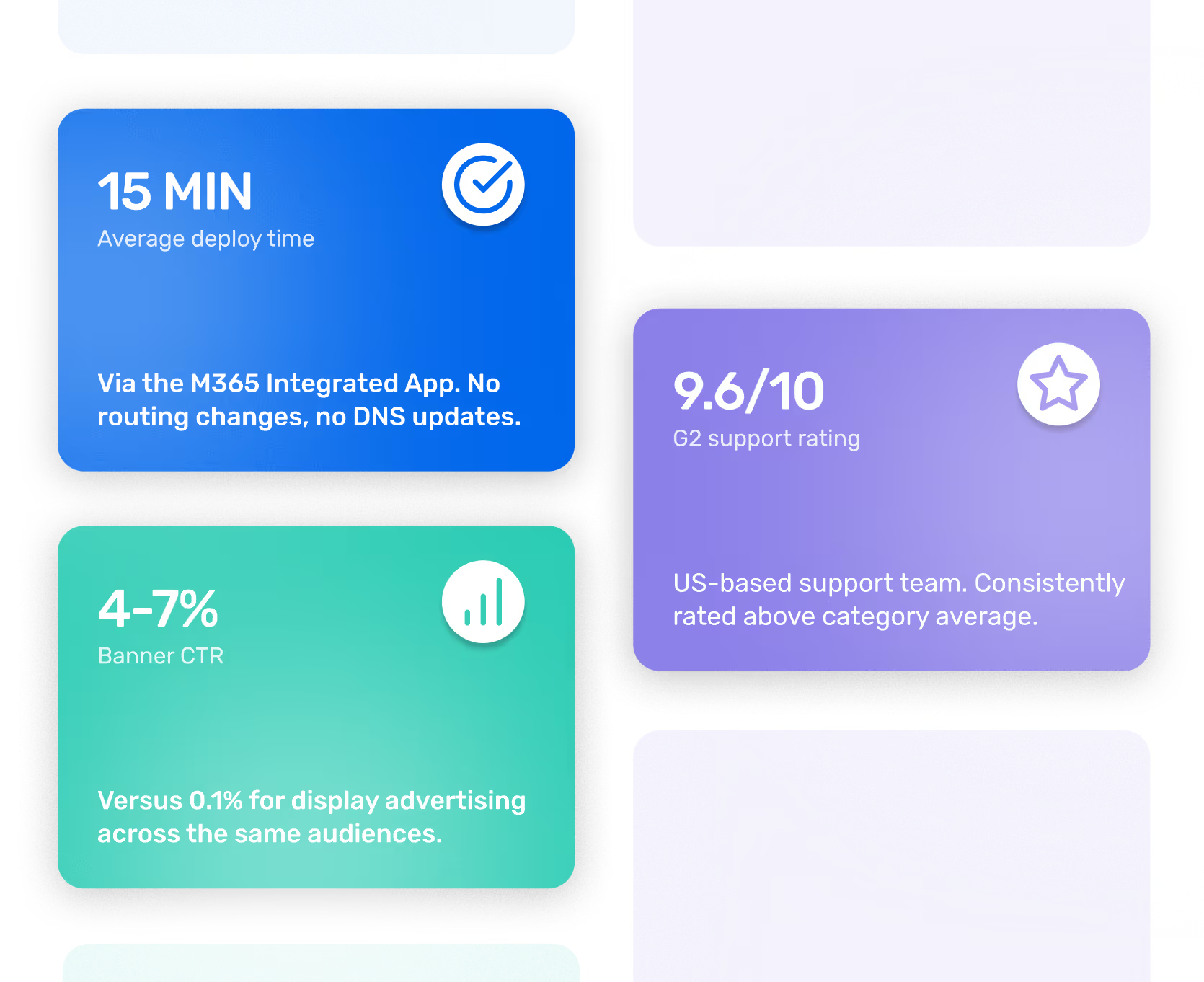
Opensense adds rotating marketing banners below signatures. Schedule campaigns by date, trigger by CRM segment, or target by deal stage. Average CTR: 4–7%, versus 0.1% for display advertising.

CRM integration

Opensense connects to HubSpot, Salesforce, Marketo, and Dynamics 365. Trigger banner campaigns based on lifecycle stage, deal stage, or contact properties. Attribution flows back to CRM.

Analytics and tracking

Opensense tracks impressions, clicks, and CTR per campaign, per banner, and per employee. See which campaigns are performing and optimize in real time.

Compliance and legal disclaimers

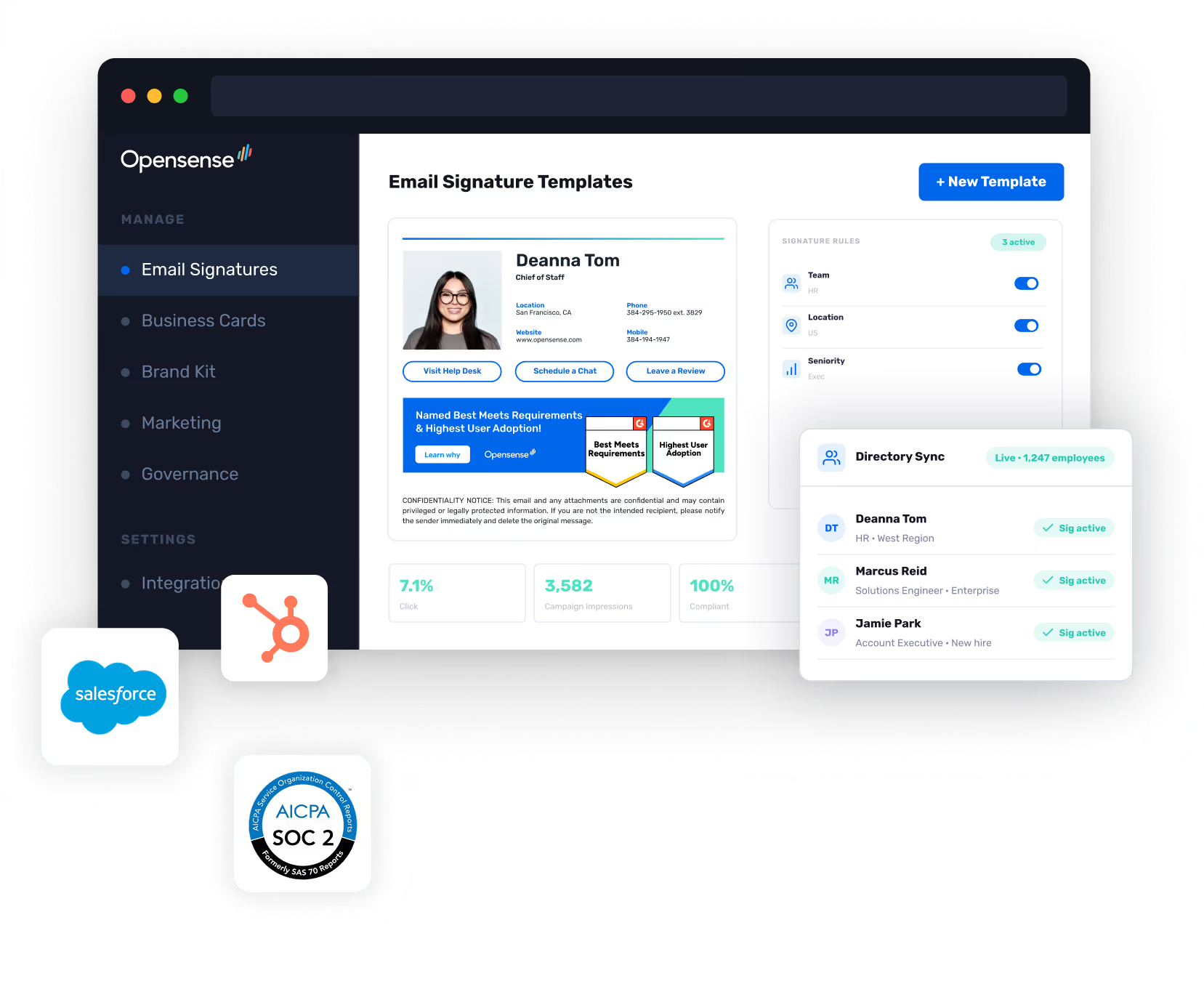
Opensense appends legal disclaimers, GDPR notices, and compliance text automatically. Rules-based logic applies the right disclaimer to the right email.

SOC 2 Type II and GCC High

Opensense is SOC 2 Type II certified and purpose-built for Microsoft 365 GCC High environments. For defense contractors and regulated federal organizations.

Digital Business Cards

Opensense extends identity beyond the inbox. Digital Business Cards integrate with email signatures and give every employee a scannable, branded identity layer.

Opensense email signature software dashboard showing 6.1% average CTR, 1,247 active signatures, 100% compliance rate, and email signature rules
Opensense email signature software admin dashboard showing email signature templates, active signature rules, and live Entra ID directory sync for 1,247 employees
Opensense Designer Studio showing a branded employee email signature with an active G2 award banner campaign
Opensense email signature software Designer Studio with Salesforce and HubSpot CRM integration logos showing campaign and directory sync capabilities
Opensense email signature software showing banner campaign analytics with 7.1% click through rate and 3,582 campaign impressions
Opensense email signature software compliance and legal disclaimer management showing automated disclaimer enforcement across employee signatures with CRM-triggered campaigns, 7.1% click through rate, and 100% compliance.
Opensense email signature software with SOC 2 Type II AICPA certification badge alongside Salesforce and HubSpot CRM integration and campaign analytics
Opensense email signature software showing a branded employee email signature with campaign banner alongside a branded digital business card on mobile

How Opensense compares

Feature
Deployment
GCC High support
Marketing activation
Support rating
In-Outlook field editing
M365 Integrated App
15 min
No routing changes
SPF update
Certified and purpose-built
US-Headquartered
Banner campaigns
CRM targeting
Analytics
9.6/10 on G2
Employees update approved fields directly in the Outlook sidebar — no external portal.
Mail routing changes
SPF update required
Explicitly listed as unsupported
Not available
Limited
Basic banners only
8.9 / 10 on G2
Users must visit an external portal to update their signature fields

Frequently asked questions

01
How is Opensense different from setting signatures in Outlook or Gmail?

Opensense gives IT central control so every signature is consistent, compliant, and current — without requiring each person to manage their own. Outlook and Gmail let individual employees set their own signatures with no central governance or enforcement. Opensense signatures update automatically when employee data changes.

02
Does Opensense work with Microsoft 365 and Google Workspace?

Yes. Opensense deploys via the M365 Integrated App for Microsoft 365 customers, with deep integration with Entra ID and Exchange Online. Opensense also supports Google Workspace with Google Directory sync, analytics, and signature management. The M365 integration is our deepest — book a demo for a detailed walkthrough of the Google Workspace deployment.

03
How long does deployment take?

Opensense deploys in under 15 minutes via the Microsoft 365 Integrated App. No mail routing changes, no DNS modifications, and no end-user action required.

04
What happens when an employee joins or leaves?

Opensense syncs with Microsoft Entra ID or Google Directory. New hires get a signature automatically on day one. When employees leave, their signature is removed. Promotions and role changes update automatically.

05
Can Marketing run campaigns without IT involvement for each change?

Yes. IT deploys Opensense once and sets governance rules. Marketing then manages banner campaigns and rotates creative from the Opensense dashboard without IT tickets. IT controls what employees can change. Marketing operates within those rules.

06
Is there a free trial?

Opensense offers a structured trial scoped to your IT environment. Book a demo and the team will set it up.

Email signature software at the enterprise level is governance infrastructure that IT deploys once and Marketing activates immediately.