Email Signature Management for Office 365 & Microsoft 365 (M365)
Opensense sets the email signature on every mailbox in your Microsoft 365 tenant from one place. Deploy server-side through an Exchange Online transport rule, through the Outlook add-in, or run both. Signature content pulls from Entra ID, so when someone’s title changes the signature follows without anyone editing a template.
Book a demo
Trusted by the brands you depend on





Deployment
Two ways to deploy, and the trade-off between them

Server-Side via Exchange Online
Route mail through Opensense with an Exchange Online transport rule. Every message gets the right signature automatically, whatever client or device it was sent from.

Or the Outlook Add-In
No transport rules required. People see and choose their signature inside Outlook while IT keeps central control of the templates. Run it on its own, or alongside server-side deployment.

Entra ID Auto-Sync
Pull names, titles, and contact details straight from Entra ID (Azure AD). When someone changes role, their signature updates itself.

Live in 45 Minutes
Connect your Microsoft 365 tenant, authenticate with Entra ID, build a template, and deploy: most organizations wrap up in a single 45-minute session.
The server-side path needs a transport rule in Exchange Online. Some security teams will not approve one. If yours is among them, the add-in is your path, and you accept that mail sent from clients where the add-in cannot run goes out unsigned.
Book a demoScale
Company-wide, not mailbox by mailbox
One Template Set, Whole Tenant
One template set covers every mailbox. Rules target a department, a region, or any Entra ID attribute you already maintain.
Five Domains Included
Setup configures five additional domains for you. A company running several brands out of one tenant does not deploy five times.
Signatures Read From Entra ID
Names, titles, phone numbers and photos come from Entra ID (Azure AD). HR updates a record and the signature follows it.
Blank Stays Blank
Attributes that are empty in Entra ID stay empty in the signature. Cleaning up the directory is usually the real work in a rollout, and most of it happens before Opensense is involved.
Beyond Signatures
More than the signature block
The same deployment carries banner campaigns, engagement tracking and disclaimer rules. Banners average a 4 to 7% click rate. Teams that only want consistent signatures can ignore all of it.
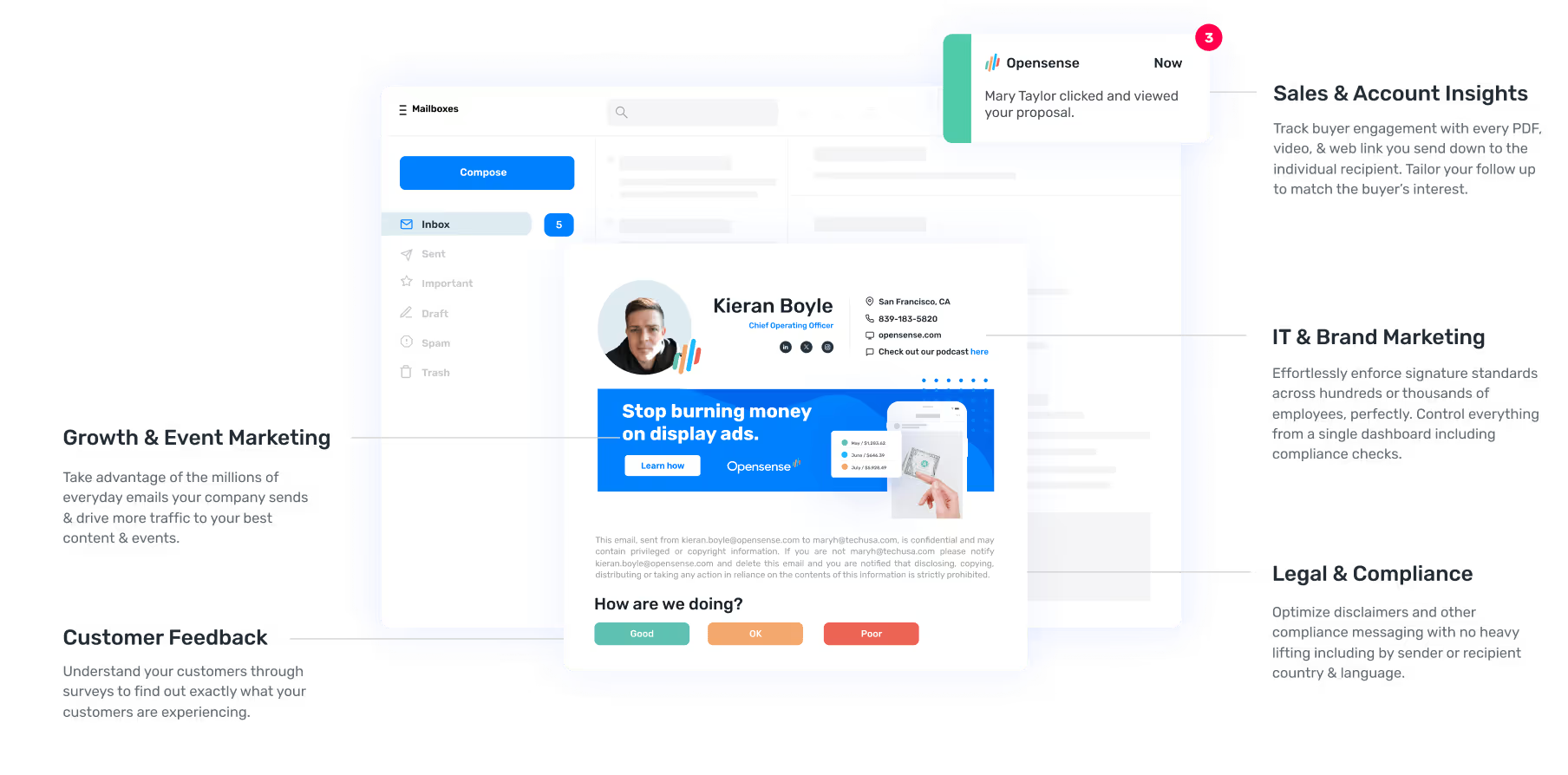
Sales & Account Insights
Leverage granular engagement data and intent signals to nurture your prospect down the funnel. Multiple recipients on a thread? See how each engages with your emails.

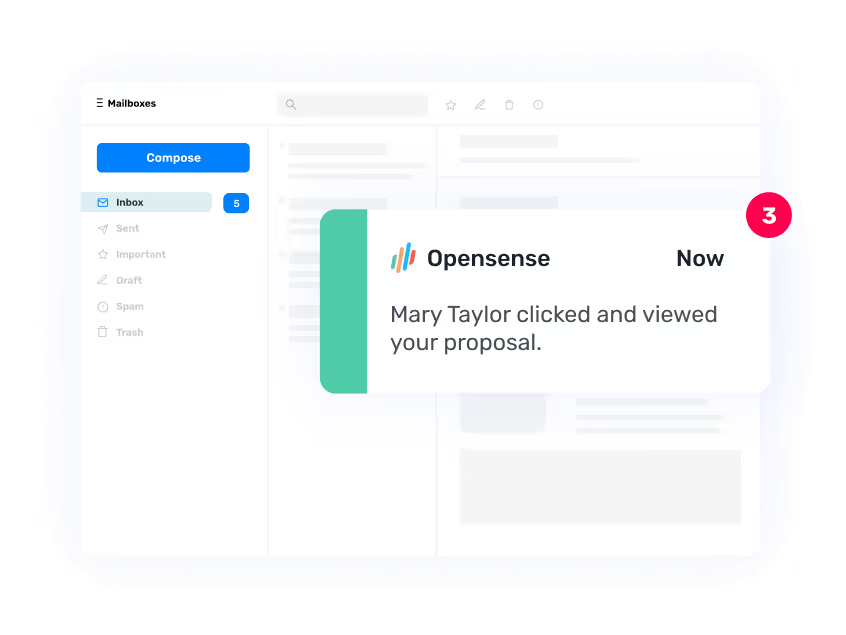
IT & Brand Marketing
Effortlessly enforce signature standards across hundreds or thousands of employees, perfectly. Control everything from a single dashboard including compliance checks.

Growth & Event Marketing
With an average CTR of 4-7%, email ad banners promote your campaigns, events, and content to your most engaged audience.
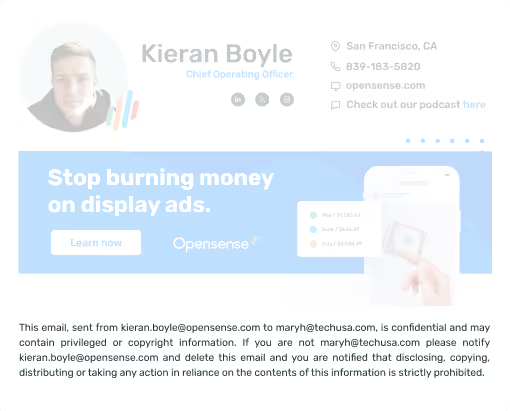
Legal & Compliance
Optimize disclaimers and other compliance messaging with no heavy lifting including by sender or recipient country & language.


AICPA SOC2 Compliant
Detailed annual SOC 2 audits are performed on our controls and processes, the "gold standard" for security, integrity, confidentiality, reliability, and privacy controls.

McAfee Enterprise Ready Certified
As a leading antivirus offering, McAfee’s suite of security features offers businesses the best protection from all types of malware threats. McAfee’s ratings are qualified as completely objective.

Independent Security Audits
We engage trusted, world-class, third-party security firms to conduct routine audits and penetration testing of the Opensense service and infrastructure.
Testimonials
What are others saying about Opensense?
Read why the world's most advanced marketing & sales teams use Opensense as their preferred email signature, marketing, sales, and compliance solution.
Opensense has become indispensable in our sales tech stack, helping us scale the team, boost productivity, elevate the customer experience, and reduce friction within the buyer's journey.

"We’re segmenting banners by employee function and communicating different messages all from a single, centralized admin console. Opensense serves as our extra layer for our demand gen campaigns, allowing us to segment banners and communicate different messages effectively. It has been a game changer for our targeted messaging."

"Opensense has been wonderful for promoting Diversity, Equity, and Inclusion initiatives. Starting with Pride Month last year, we extended it to Hispanic Heritage, Pride, and Black History, aligning our logos and featuring banner messages celebrating each occasion. These campaigns are now integral to our organizational identity."

"Opensense provides a level of professionalism that comes with having a bonafide, fortified email signature where nothing can be misconstrued. You have all the power to fix or unfix an email signature for thousands of people with a click of a button. It's a game-changer, especially for a customer-facing industry like ours”

World Class Customer Service
Support during a tenant rollout
24/7 Support
24/7 US-based phone & email support



High-Touch Service
Dedicated Customer Success Managers & Technical Contacts

Quick Response
Maximum 4 hour email response time
Cost and Setup
What it costs to run
- 45 minutesFrom connecting the tenant to the first signature going out.
- $2 per user, per monthGCC High support, added to any plan. It is not included.
- 30 daysEnterprise trial, with no cap on seats.
Most tenants are live in 45 minutes: connect Microsoft 365, authenticate with Entra ID, build a template, deploy. Opensense is a Microsoft Solutions Partner, and an annual SOC 2 audit covers the service.
GCC High is supported and it is not included, adding $2 per user per month to any plan.
Enterprise trials run 30 days with no seat cap, which suits organizations rolling out to several hundred mailboxes or more. Ask for one when you book a demo.
Book a demoIntegrations
Connects to the Microsoft stack you already run
Signature and banner content can pull from the systems you already run. Entra ID for identity, Microsoft Dynamics or Salesforce for CRM fields, Marketo and HubSpot for campaign data.
Templates, targeting rules and banner campaigns are managed from one dashboard.
View integrations
Frequently asked questions
Does Opensense work with Microsoft 365 (M365) and Office 365?
Yes, Opensense is specifically built for Microsoft 365 and Office 365 environments. Our platform integrates natively with Azure Active Directory, Exchange Online, and Outlook across all platforms including Outlook Desktop, Outlook Web App, and Outlook Mobile. We support both cloud and hybrid deployments.
How does Opensense deploy email signatures in Office 365?
Opensense offers multiple deployment options for Office 365: server-side signature injection through Exchange Online transport rules for automatic deployment, Outlook add-in for user control with centralized management, and Azure AD integration for dynamic field population. You can choose the best method for your organization or use multiple approaches simultaneously.
Can Opensense integrate with Azure Active Directory?
Yes, Opensense natively integrates with Azure Active Directory (Azure AD). This integration allows automatic user provisioning, dynamic field population from directory attributes, group-based signature rules, and SSO authentication. Signatures automatically update when employee information changes in Azure AD.
Does Opensense work with Outlook on all devices?
Yes, Opensense email signatures work seamlessly across all Outlook platforms including Outlook for Windows, Outlook for Mac, Outlook on the Web (OWA), Outlook Mobile for iOS, and Outlook Mobile for Android. Signatures are automatically optimized for each platform while maintaining brand consistency.
Can I use Opensense with Exchange Server on-premises?
Yes, Opensense supports both Exchange Online (cloud) and Exchange Server on-premises deployments. We also support hybrid configurations where some users are on Exchange Server and others are on Exchange Online. Our platform works with Exchange Server 2016, 2019, and later versions.
How long does it take to set up Opensense for Office 365?
Most organizations complete Opensense setup for Office 365 in 45 minutes. This includes connecting to your Microsoft 365 tenant, authenticating with Azure AD, creating your first signature template, and deploying signatures to users. Our implementation team provides guidance and support throughout the setup process.
See it running in your own tenant
Deployment path, Entra ID mapping and template design, walked through against your actual setup.
Book a demo